
What to Prepare Before Working with an Annual Report Designer

Originally published: September 9, 2024 / Last updated: June 22, 2026
Many marketing professionals appreciate how a well-designed report can enhance the organization’s credibility and brand recognition among their readers. Knowing the potential impact of the report, marketing teams are increasingly turning to report designers to take their written content and bring it to life.
But, you can’t expect designers to create a visual masterpiece complete with infographics, charts, and stunning graphics without some preparation beforehand. Putting together a successful report requires more than just text. To create a polished report, your designer will need you to provide some essential items (and sometimes, in specific formats).
You are likely aware that you will need to provide the style guide, logos, and photos that you would like to use. But are the logos in the right format? Did you select high-resolution images? These may seem like minor issues, but your report designer knows that these minor issues can have a large impact on the quality of the final report. If the items are not prepared properly, it will lead to a lot of back-and-forth exchanges over what is needed. While these exchanges with your designer can be time-consuming, they are usually avoidable.
Collaboration is key to a successful report design. In this post, we’ll go over everything you need to provide your report designer with to ensure a smooth process and successful outcome.
I encourage my clients to use my report design checklist to prepare the content they’re planning on sending to their designer. In addition to saving a lot of time and aggravation, there are other benefits, including:
You can avoid extra fees
You will receive a high-quality report ready for print and digital platforms
You will increase trust with your audience
You will receive a report that is consistent with your brand
Use the following checklist as a guide to achieve superior results and ensure a smooth report-design process.
Annual Report Design Assets Checklist
• Brand guidelines
I use your brand guidelines to ensure your report is consistent with your organization's established colors, typography, and visual identity. A brand style guide helps me create a cohesive report that aligns with your existing communications.
If you don't have brand guidelines yet, I can help you create a simple style guide before beginning the report design process.
• Logo in vector format
Please provide your logo in AI, EPS, or SVG (vector/editable) format, so we can resize it or change the colors depending on the design needs.
What is a vector file?
A vector file is an image that can be made infinitely large without losing quality. It usually comes with one of the following extensions: .AI, .EPS, .PDF, or .SVG file.

Why don’t JPG and PNG files work?
JPG and PNG files can't be resized without losing quality; they tend to become pixelated when enlarged. Additionally, unlike vector formats, changing colors in JPG and PNG files is difficult.

• Existing design files
If you have a previous annual report or publication, please send it to me. I can use it as a reference or build upon the existing design system.
Even if you're planning a redesign, reviewing previous reports helps me understand your organization's visual history, typography, color palette, and content structure. This can often save time and reduce design costs since I won't need to build everything from scratch.
• Photos
Whenever possible, provide me with high-quality photos. Clear, professional images help me create a stronger visual narrative and a more engaging report. The photos should look crisp and sharp. If you would like to create a print booklet, I strongly recommend using images with a resolution of 300 dpi (you can find more information on how to prepare a high-quality print project here). If you can’t locate high-quality photos, we can find the perfect stock images for your project.
Tip: When you select a photo for a report cover, use an image that isn’t busy. A simple image allows the audience’s attention to be drawn to the headline. Using this approach helps me create a report cover that is visually compelling and allows your headline to stand out.
• Data in Excel
It’s a great idea to include charts, graphics, and infographics in your report design to make it more engaging for readers. If you have data you’d like to add, you can send us the database created in Excel.
• Content (the final draft)
Please provide the final version of your content whenever possible. Having approved content before the design phase helps minimize revisions, keeps the project on schedule, and ensures a more efficient design process.
Most report design projects include three to five rounds of revisions. Additional revisions beyond the agreed project scope may incur additional fees.
Organization Information
Your organization's contact information is an essential part of your report. Make it easy for readers, stakeholders, and potential supporters to learn more about your work by including:
Website URL
Mailing address
Phone number
Social media accounts
QR code linking to your website, campaign page, or additional resources (Many of my clients choose to include a QR code in their reports for easy access to online content.)
Tip for Print Report
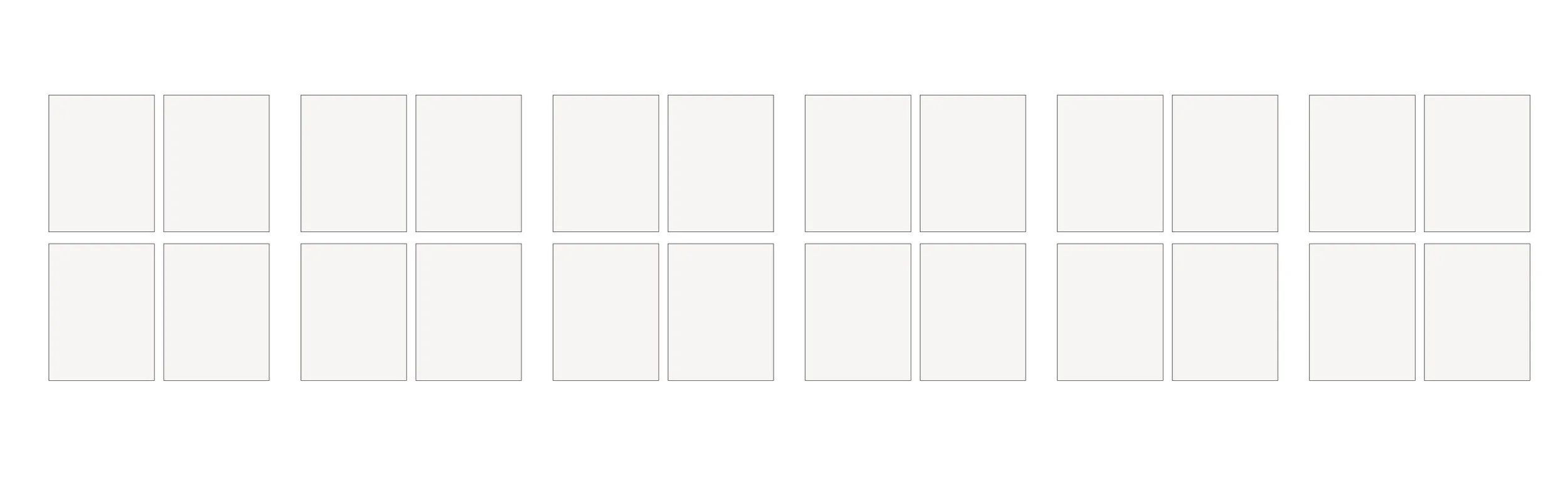
If you plan to print your report, keep in mind that booklets are typically produced in multiples of four pages (4, 8, 12, 16, etc.). Planning your content with this in mind can help avoid significant edits later in the design process.
Most annual report projects range from 20–24 pages, although the final page count will depend on your content and reporting needs.
• Print deadlines
If you plan to print your report, be sure to factor in time for both production and shipping. Most print vendors require approximately 3–5 business days for production, plus additional time for delivery.To ensure a smooth process, I recommend planning your report project well in advance of your final deadline. This allows sufficient time for content preparation, design, revisions, proofing, and print production.For most annual reports, it's best to begin the design process at least 4–6 weeks before the report is needed. Larger or more complex reports may require additional time.
Ready to Bring Your Annual Report to Life?
If you’re interested in working together, View Report Design Portfolio to see recent projects.
If you have a report project in mind and would like to discuss it, please Send an Inquiry.